
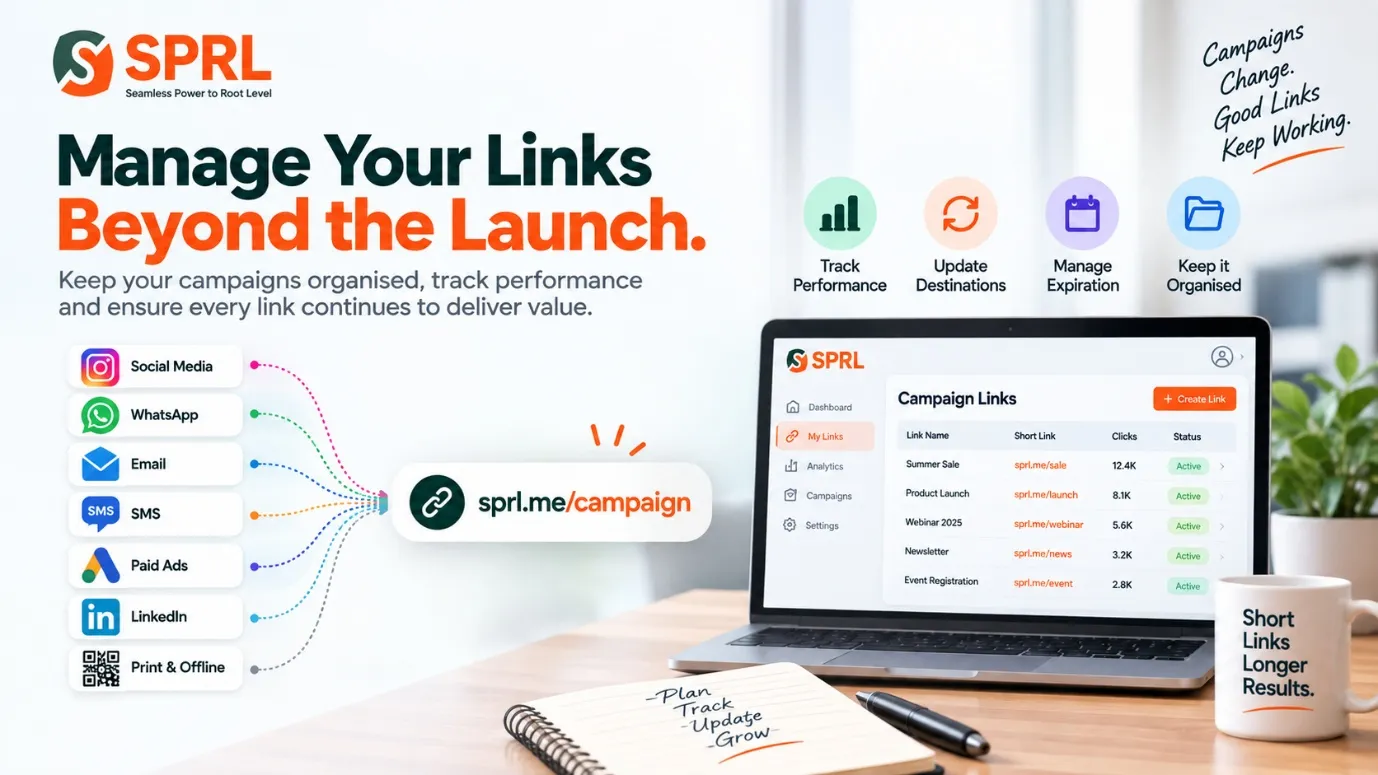
Marketing teams often spend considerable time preparing campaign pages, advertisements, emails, and social content. Once the links are published, however, they may receive far less attention even though customers can continue clicking them for weeks or months.
Using a web link shortener can make URLs easier to organise and share, but the real value comes from managing those links throughout their useful life. A structured process helps teams understand which links are active, where they appear, and when something needs to change.
Give Every Campaign a Clear Naming System
A growing business can quickly accumulate hundreds of marketing links. Without a naming convention, it becomes difficult to tell which URL belongs to a particular product, channel, promotion, or period.
Teams can establish simple rules before creating links. Campaign name, month, audience, or channel can form part of an internal naming system, making links easier to identify later without opening each destination individually.
Check Destinations Before Publishing
A shortened link is only useful when the destination works correctly. Broken pages, incorrect products, expired forms, or outdated offers can waste campaign traffic and create a poor experience for potential customers.
Marketers should test each destination on both desktop and mobile devices before distribution. They should also confirm that any campaign parameters are preserved correctly so analytics platforms can continue identifying the source of incoming visits.
Think About How Long a Link Should Live
Not every link needs to remain active forever. A festival promotion, webinar registration page, limited-time coupon, or event invitation may only be useful for a defined period.
When creating a link, teams should decide whether it is permanent or temporary. Expiration settings can be useful for time-sensitive campaigns, while evergreen resources may require periodic destination checks instead of a fixed end date.
Make Short Links Easy to Use
One reason marketers search for tools to shorten my URL is to replace long addresses containing tracking codes, query strings, and complicated page paths with something easier to share.
The shorter format is particularly useful in SMS, WhatsApp messages, printed material, presentations, and social posts. Teams should still provide enough surrounding context so customers understand what they are clicking and why the destination is relevant.
Review Performance While the Campaign Runs
Link analytics can provide useful signals while a campaign is active. Click numbers, device information, referrers, and geographic data may help marketers understand where engagement is occurring.
These figures should be interpreted alongside other business information. A link receiving many clicks does not automatically mean the campaign is producing sales, registrations, or qualified leads. Website analytics and conversion data remain important.
Update Links When Destinations Change
Websites evolve continuously. Product pages move, landing pages are redesigned, resources are replaced, and campaign offers change. A previously correct destination can therefore become outdated.
Where link-management settings allow destination updates, teams may be able to redirect an established short link instead of replacing it everywhere. This can be particularly helpful when a URL has already appeared in printed material or widely distributed messages.
Remove Confusion Around Old Campaigns
Old links can create reporting problems when teams continue using them without knowing their original purpose. A URL created for one campaign may later be copied into another, mixing traffic from different activities.
Keeping basic records of campaign dates, destinations, owners, and intended channels makes future analysis easier. It also helps new team members understand existing links instead of creating unnecessary duplicates whenever they need a URL.
Assign Responsibility for Link Maintenance
Link management can become disorganised when everyone can create URLs, but nobody is responsible for reviewing them. Larger marketing teams benefit from defining who manages naming conventions, destinations, and archived campaigns.
Small businesses can use a simpler approach. Even a monthly review of important active links can identify broken destinations, outdated offers, and URLs that no longer need to remain available.
Learn From Previous Campaigns
Archived links can provide useful historical information. Reviewing which channels generated engagement can help teams plan future campaigns and decide where similar content might perform effectively.
Historical results should not be treated as guarantees. Audience behaviour, platforms, offers, and market conditions change, but previous link data can still provide useful context when combined with current campaign information.
Conclusion
Good link management does not end when a URL is published. Checking destinations, monitoring performance, maintaining clear naming rules, and reviewing old links can prevent small technical issues from becoming larger marketing problems.
Treating links as ongoing campaign assets creates a cleaner system for the entire team. Instead of repeatedly creating URLs and forgetting them, businesses can maintain an organised link library that remains useful from campaign launch through reporting and eventual archiving.